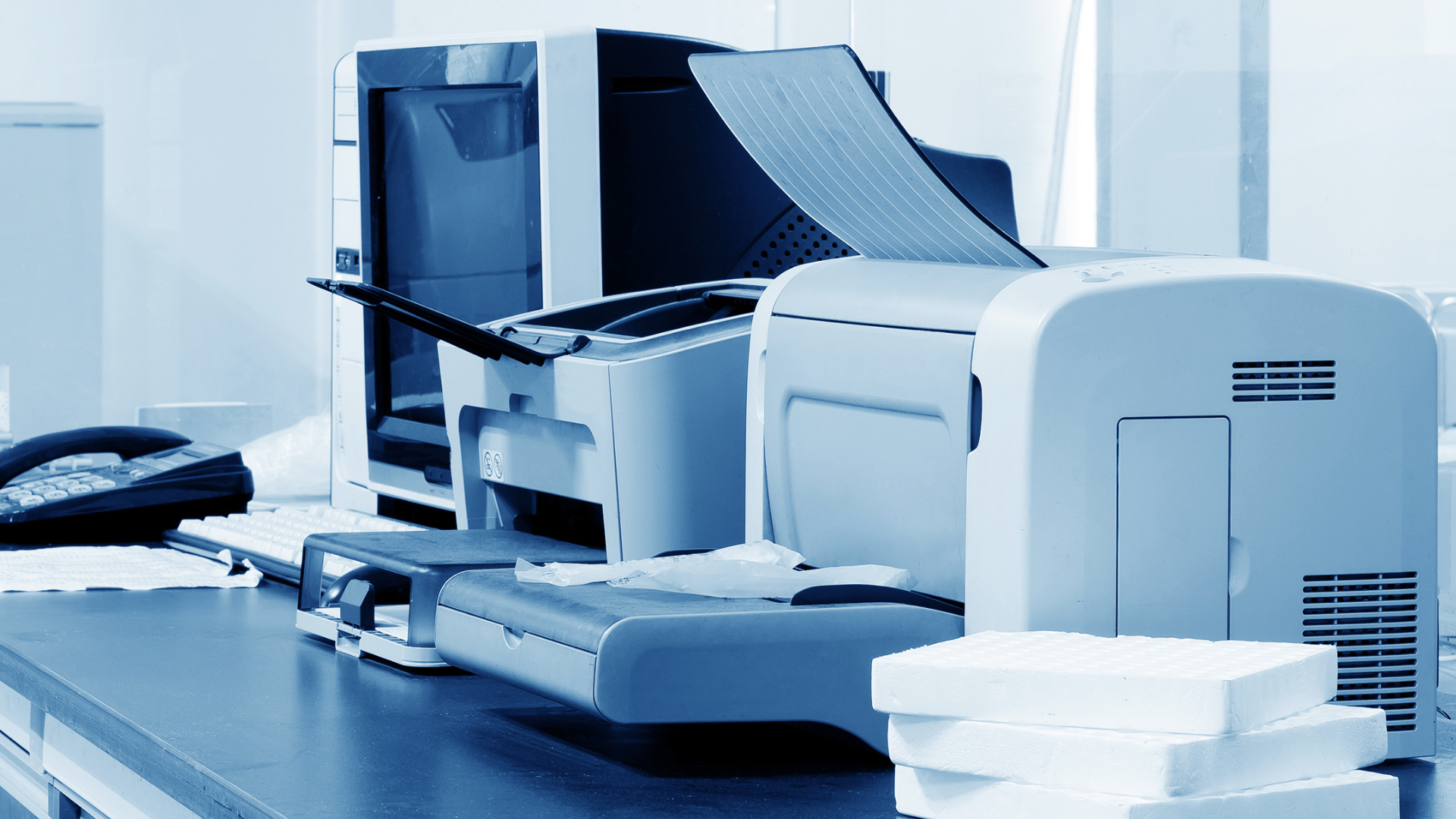
Choosing the perfect printer or copier for your business isn't just about picking the cheapest option. It's about finding the one that fits your specific needs, whether you're in education, law, or any other field.
Here's a simple guide to help you make the best choice.
For General Office Use
Ideal for most workplaces that require reliable, day-to-day printing with minimal hassle.
- Multifunction Printers (MFPs) – Devices that can print, scan, copy, and fax streamline daily workflow and reduce the need for multiple machines.
- Connectivity Options
– Look for printers equipped with Wi-Fi, Ethernet, and mobile printing capabilities to support flexible device access.
- Energy Efficiency – Choose models with Energy Star certification to help lower electricity costs and support sustainability goals.
Example Model:
Olivetti d-Color MF2624 plus – A compact multifunction printer offering excellent performance and connectivity for general office needs.
For High Volume or Unique Printing Requirements
Suited for environments like schools, law firms, and other sectors with specific needs or large workloads.
- Schools
- Affordable Ink or Toner – Cost-effective printing is essential; models with high-yield toner reduce operating costs.
- Multifunction Capabilities – Print, scan, and copy functions save space and budget.
- Wireless Connectivity – Enables students and teachers to print from various devices.
Example Model:
Olivetti d-Color MF3302 – Designed for high-efficiency environments with low cost per page and robust multifunctionality.
- Law Firms
- High Print Resolution – For legal documents, clarity is key. Look for at least 1200 x 1200 dpi.
- Security Features – Prioritize printers with encrypted data transmission and user authentication.
- Fast Printing Speed – Necessary for handling case files and large-volume print jobs efficiently.
Example Model: Olivetti d-Color MF759 – High-resolution, fast, and secure printing tailored for professional environments.
5 Things to Consider Before Buying
- Print Volume: Estimate how much printing you'll do to choose a printer that can handle your workload.
- Print Quality:
Ensure the printer meets your quality standards, especially for important documents.
- Operating Costs: Consider the cost of ink or toner and how often you'll need to replace them.
- Space: Make sure the printer fits in your available space and suits your office layout.
- Support and Warranty: Check if the manufacturer offers reliable customer support and warranty services.
Final Tip
Investing in the right printer or copier can save your business time and money. Consider your specific needs and choose a device that aligns with them. If you're unsure, consult with a professional to find the best solution for your industry.